Help Center Help Center home page
Sign in
  1. Help Center
  2. User Guide
  3. Managing Projects

Articles in this section

  • Managing Projects: Table of Contents
  • View Project Sitemap
  • Edit Project
  • Rename Project
  • Update Logo / Branding
  • Share Project
  • Project Details / Information
  • Duplicate Project
  • Export Project (CSV, PDF)
  • Download Sitemap (XML, HTML, Text, Image, Video)
See more

Duplicate Project

Support
  • May 19, 2022 19:41
Follow

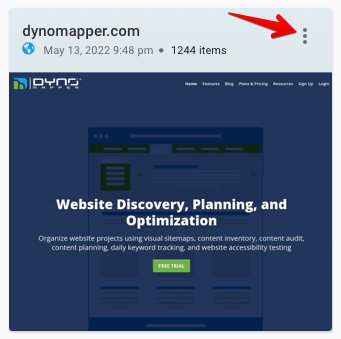
1. Click the Project Title bar or the Ellipse Icon
001_View_Sitemap.png

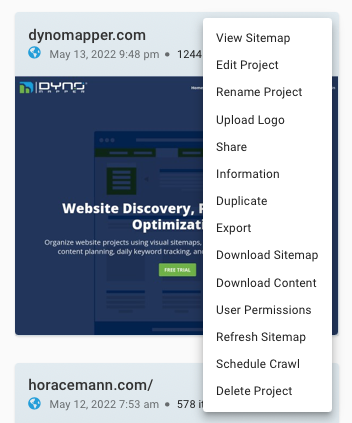
2. Select Duplicate

001_Sitemap_Menu.png

3. Select desired settings and click DUPLICATE.

001_Duplicate_Project.png

  • Facebook
  • Twitter
  • LinkedIn
Was this article helpful?
0 out of 0 found this helpful
Have more questions? Submit a request
Return to top

Related articles

  • Adding Sub-users
  • Managing Projects: Table of Contents
  • Create from URL

Comments

0 comments

Please sign in to leave a comment.

Help Center