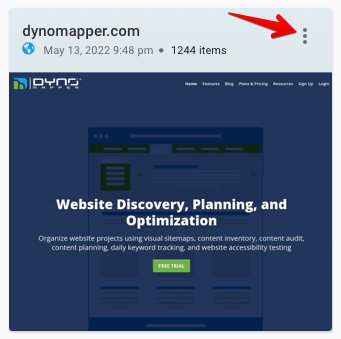
1. Click the Project Title bar or the Ellipse Icon
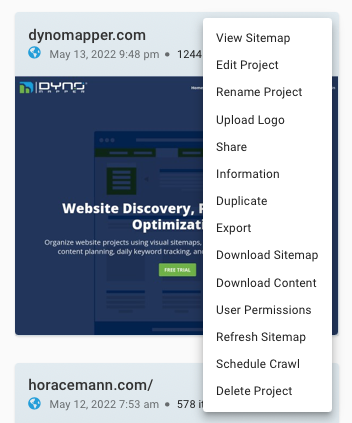
2. Select Information
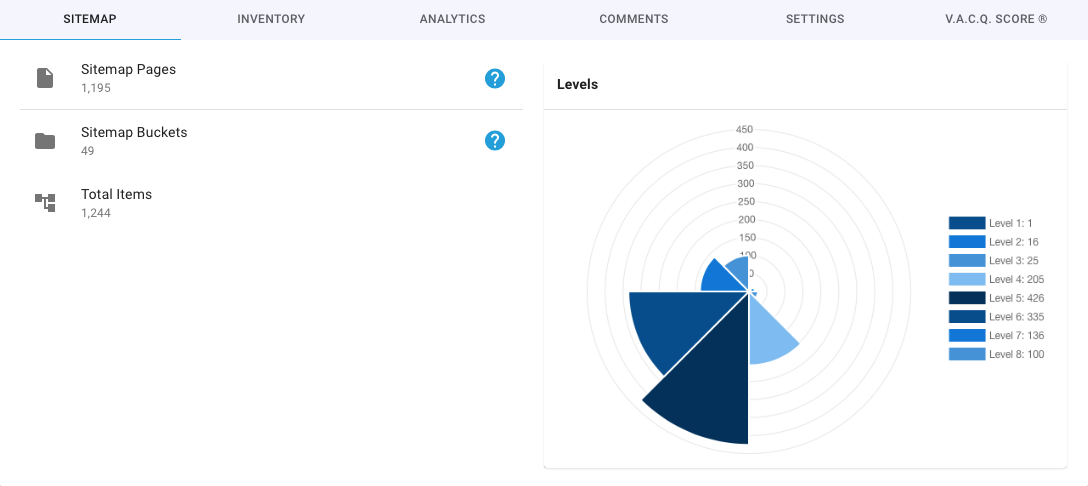
3. Navigate through the tabs to see the project information:
- Sitemap
- Inventory
- Analytics
- Comments
- Settings
- V.A.C.Q. Score

1. Click the Project Title bar or the Ellipse Icon
2. Select Information
3. Navigate through the tabs to see the project information:
Comments
0 comments
Please sign in to leave a comment.